
How to Make 20% Battery Last 2 Hours
Quick Answer:
Switch off every appliance above 100W immediately. Keep only LED lights, one fan, and phone charging running. On a 48V 200Ah LiFePO4 at 20% state of charge, that leaves you roughly 1,536 Wh of usable energy. At 150W combined load, that is just over 10 hours, not 2. At 500W it is 3 hours. At 1,000W it is 1.5 hours. The gap between 2 hours and 30 minutes is entirely the load you choose to keep on.
There is a moment every Nigerian with an inverter knows well. It is usually late at night. The screen on the wall shows 20%. The generator is out of fuel or it is too late to run it. And somewhere in the house, someone is still watching TV at full brightness with the ceiling fan on full speed and two phone chargers plugged into the wall.
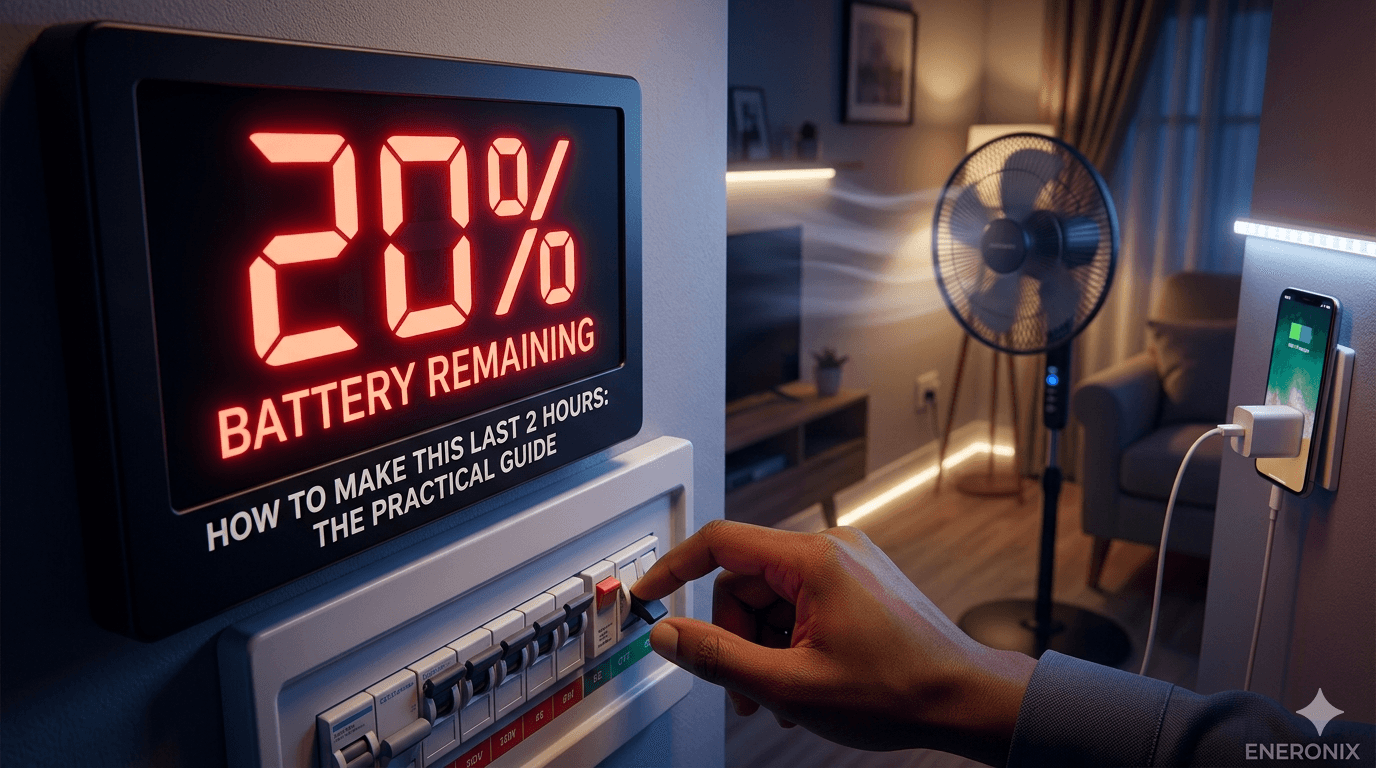
Twenty percent battery is not an emergency. It is a decision point. What you do in the next five minutes determines whether that battery carries you through the night or dies before 3 AM.
This article is not about battery theory. It is about exactly what to switch off, what to keep on, what the numbers look like in real time, and why certain decisions matter more than others. Every recommendation here is backed by the actual watt calculations, not guesswork.
Nigeria’s average household electrification through the national grid remains unreliable, with many urban areas outside Band A still experiencing 10 to 18 hours of outages daily according to the Nigerian Electricity Regulatory Commission. That reality makes low-battery management not an edge case but a nightly routine for millions of homes. The steps in this article are built for that reality.
What 20% Battery Actually Means in Real Energy
Before anything else, you need to know how much energy 20% actually represents in your specific system. Most people think of it as a fuel gauge. It is, but the size of the tank varies enormously depending on what battery you have.
| Battery System | Total Energy | 20% Remaining (Wh) | Usable at 20% SoC* |
| 12V 200Ah lead-acid | 2,400 Wh | 480 Wh | ~230 Wh (50% DoD already used) |
| 24V 200Ah lead-acid | 4,800 Wh | 960 Wh | ~460 Wh |
| 48V 100Ah LiFePO4 | 4,800 Wh | 960 Wh | ~864 Wh (90% eff.) |
| 48V 200Ah LiFePO4 | 9,600 Wh | 1,920 Wh | ~1,728 Wh (90% eff.) |
| 48V 200Ah lead-acid | 9,600 Wh | 1,920 Wh | ~816 Wh (50% DoD floor) |
*Usable at 20% SoC means the energy you can still extract before the BMS cuts off. For lead-acid, the 50% DoD floor means if you are already at 20% SoC, you are operating below the safe discharge limit and risking battery damage with every additional draw. For LiFePO4, 20% SoC is still safely inside the operating window, giving you real usable energy before the 10 to 15% cutoff floor.
This is the most important thing on this page: If you are on a 12V lead-acid system and your battery reads 20%, you are already in the damage zone. You are not trying to stretch 2 hours. You are trying to stop further degradation. Switch off everything non-essential immediately and get the battery charging as soon as possible. The rest of this article is primarily for lithium users, but the load-shedding strategy applies to everyone.
What to Switch Off First
When the battery hits 20%, you do not have time for a full load audit. You need a ranked list of what to cut, ordered by impact. Here it is.
Cut These First (High Impact, Least Discomfort)
1. Air conditioner
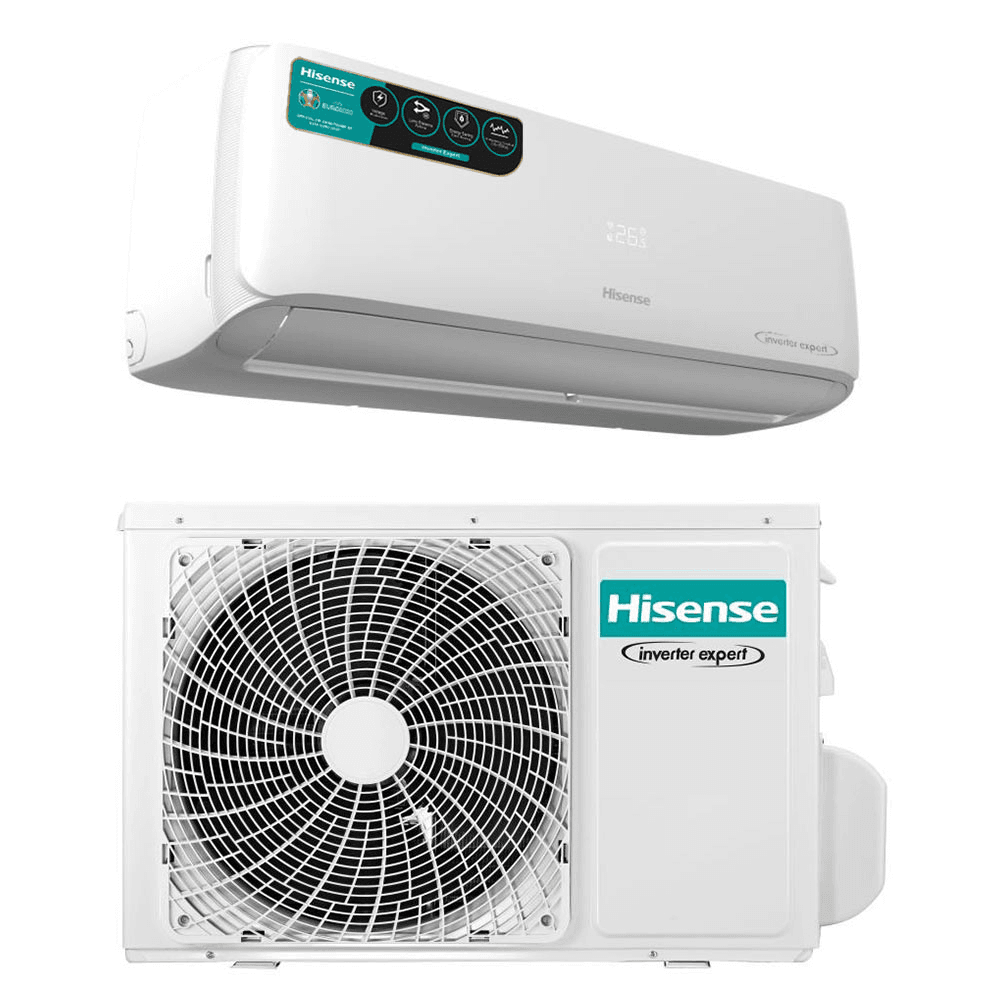
saves 900 to 1,800W instantly
Nothing drains a battery faster than an air conditioner. A 1HP split unit draws 750 to 900W running. A 1.5HP draws 1,100 to 1,400W. Switching off one 1.5HP AC at 20% battery on a 48V 200Ah LiFePO4 extends your remaining runtime from roughly 1.2 hours to over 10 hours at a modest residual load. This is the single highest-leverage action available. Replace with a standing fan (65W) and the temperature difference is manageable for most of the night.
2. Electric water heater or immersion heater: saves 1,500 to 3,000W
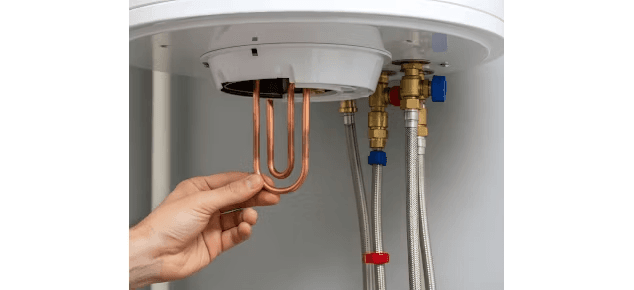
If anyone left a water heater on, switch it off now. These are the invisible battery killers because people heat water for a shower and forget to switch the heater off. A 1,500W immersion heater running for just one hour on a 20% battery state is already asking for more energy than you have. Check this before you check anything else in the kitchen or bathroom.
3. Electric iron: saves 1,000 to 2,500W
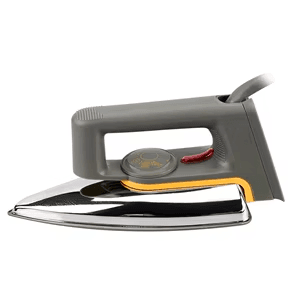
No one should be ironing at low battery. But it happens. An electric iron drawing 1,200W on a 20% battery will flatten a 48V 100Ah LiFePO4 in under an hour. Off immediately.
4. Microwave or electric kettle: saves 700 to 2,000W

These are short-burst high-draw appliances. A microwave draws 700 to 1,200W. An electric kettle draws 1,500 to 2,000W. They do not run continuously, but they draw enormous current for the minutes they are active. At 20% battery, avoid using them entirely. Boil water on gas if possible.
Cut These Second (Medium Impact)
5. Refrigerator: saves 80 to 200W average
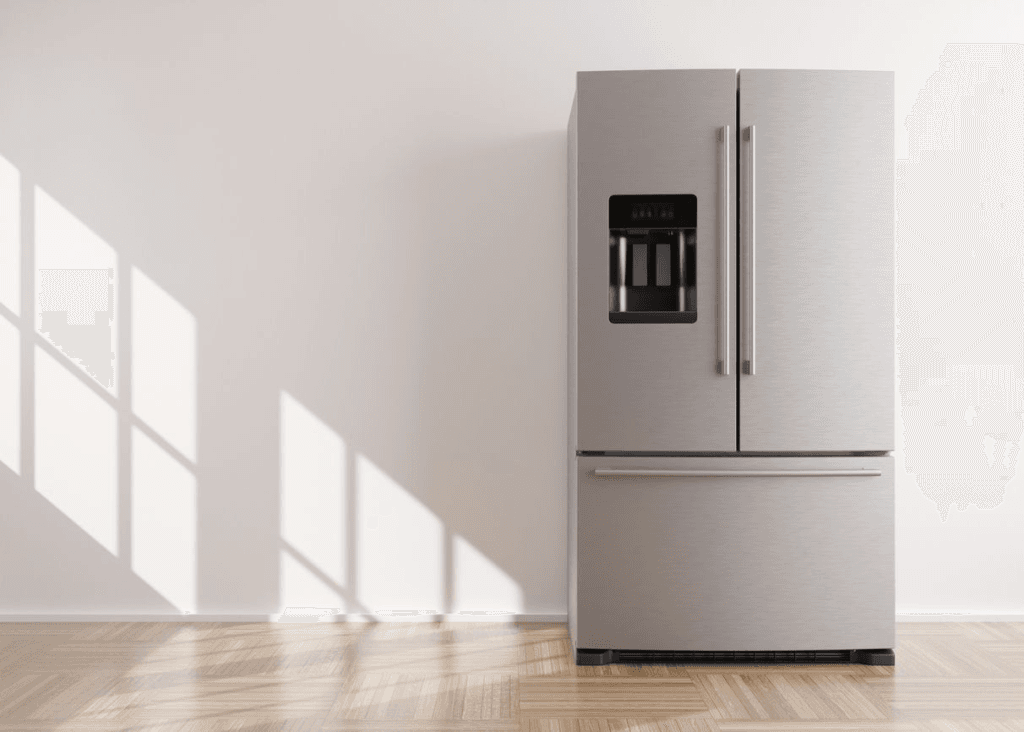
This is the difficult one. Most people cannot switch off their fridge because of food spoilage. The good news is that a well-stocked fridge maintains temperature for 4 to 6 hours after switching off, and a chest freezer can hold temperature for up to 48 hours if kept closed. If you are past midnight and the battery is at 20%, switching off the fridge buys meaningful time. If the food situation allows it, do it. If not, at minimum check that the fridge door seals are tight and the thermostat is not set colder than necessary.
6. Second and third fans: saves 55 to 130W per fan
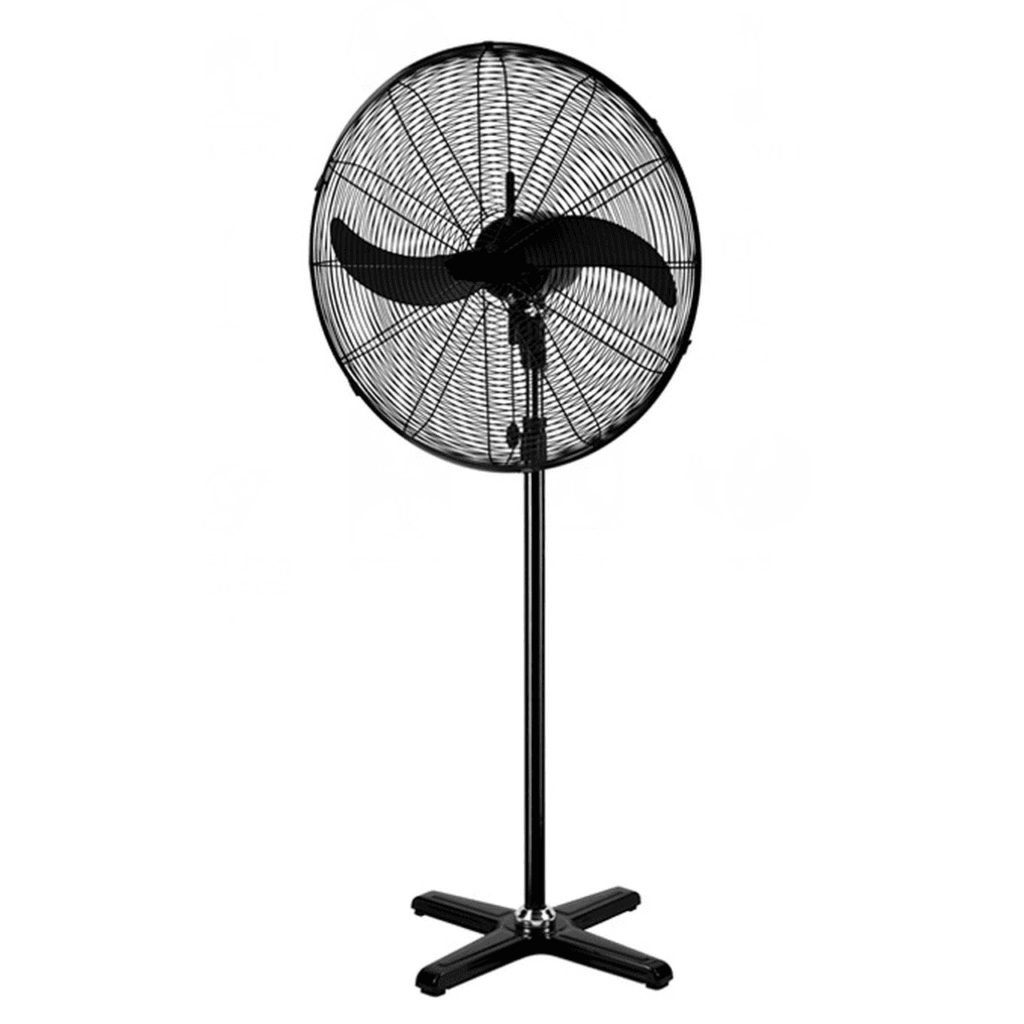
Most Nigerian homes run ceiling fans in rooms where nobody is sleeping. Check the house. Every empty room with a fan running is 55W of battery drain for nothing. Switch off fans in every unoccupied space immediately.
7. Television and decoder: saves 50 to 120W
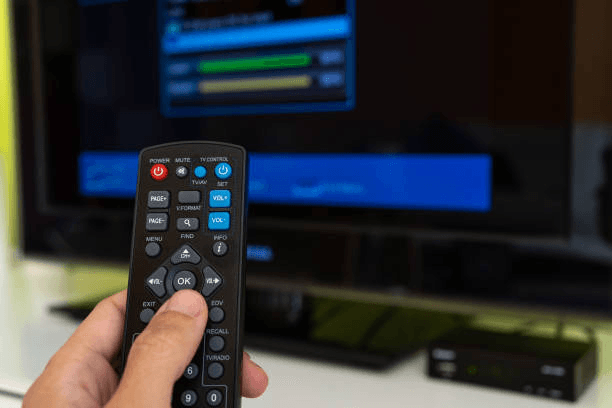
If it is late at night and the battery is at 20%, most people do not need the TV running. Switch it off and you recover 50 to 120W of continuous load. If people insist on watching, at minimum switch off every device that is not actively in use. Decoders in standby still draw 5 to 15W each. The International Energy Agency estimates that standby power consumption accounts for 5 to 10% of residential electricity use globally, a figure that translates directly to battery drain in off-grid Nigerian homes.
Keep These On (Low Draw, High Value)
| Appliance | Typical Draw | Should You Keep It On? |
| LED ceiling light (10W) | 10W | Yes essential lighting, minimal cost |
| Standing fan (1 unit) | 65W | Yes critical for comfort, reasonable cost |
| WiFi router | 10 to 15W | Yes if needed, off if not |
| Phone charging (1 to 2 phones) | 20 to 40W | Yes emergency communication |
| Security light (LED) | 10 to 20W | Yes safety |
| Medical equipment (CPAP, etc.) | 30 to 80W | Yes non-negotiable |
| Laptop | 45 to 65W | Optional switch off if work is done |
How Long 20% Lasts at Different Load Levels
Here is what 20% remaining on a 48V 200Ah LiFePO4 battery actually delivers at different load levels. This is the calculation most people never run until it is too late.
Starting point: 48V 200Ah LiFePO4 at 20% SoC = 1,920 Wh remaining. With the BMS cutting off at 10% SoC, usable energy from this point = approximately 960 Wh (10% of 9,600 Wh). After 90% inverter efficiency: approximately 864 Wh available at the appliance level.
Why only 960 Wh, not 1,920 Wh? Because your BMS will cut off the battery before it reaches 0%. For LiFePO4, the low voltage protection typically triggers at 10 to 15% SoC, which is approximately 47 to 48V for a 48V system. You cannot access the energy between 0% and the cutoff threshold safely. The energy between 20% and the cutoff floor is what you are actually working with.
| Load Scenario | Total Running Watts | Est. Runtime from 20% | What This Looks Like |
| Emergency minimum | 100W | ~8.6 hrs | 2 LED lights, 1 phone charging, router |
| Comfortable minimum | 200W | ~4.3 hrs | 4 LED lights, 1 fan, phone charging |
| Lights + fan + TV | 350W | ~2.5 hrs | 4 lights, 1 fan, TV + decoder |
| Add a small fridge | 500W | ~1.7 hrs | Lights, fan, TV, small fridge |
| Lights + fan + 1HP AC | 1,000W | ~52 mins | Basic loads + 1 air conditioner |
| Full household load | 1,500W | ~35 mins | Everything running as normal |
The difference between 35 minutes and 8.6 hours is the same battery, the same 20% state of charge, and one decision about what stays on. That is what load shedding means in practice.
For context on how these numbers compare with a full battery, see our detailed breakdown of how long a 200Ah battery lasts.
What Nobody Tells You About Batteries at Low State of Charge
Here is something that ranking articles on this topic skip entirely. A battery at 20% SoC does not behave the same as a battery at 80% SoC, even if both are delivering the same wattage.
Voltage Sag: The Hidden Runtime Killer at Low SoC
As a LiFePO4 battery discharges, its terminal voltage drops. Between 80% and 30% SoC, LiFePO4 holds voltage remarkably flat, typically between 52V and 53.5V for a 48V system. Below 25% SoC, voltage begins to drop more noticeably, falling toward 49 to 50V. Below 15%, it drops sharply toward 48V and below.
Why does this matter? Because your inverter is pulling more current from the battery to maintain its output voltage as battery voltage drops. At 20% SoC, a 500W load pulls slightly more current from the battery than at 80% SoC. The energy difference is small, but it accelerates the discharge curve right at the end, which is why the last 20% always feels like it disappears faster than the first 20%. This discharge behaviour is well documented in Battery University’s analysis of lithium iron phosphate discharge characteristics.
This is not a battery fault. It is electrochemistry. LiFePO4 is actually the best chemistry for flat voltage discharge, which is one of the reasons it dominates serious off-grid installations. Lead-acid batteries experience far more severe voltage sag at low SoC, which is part of why they feel so unreliable in the final 30% of discharge.
High Current Loads Are Disproportionately Expensive at Low SoC
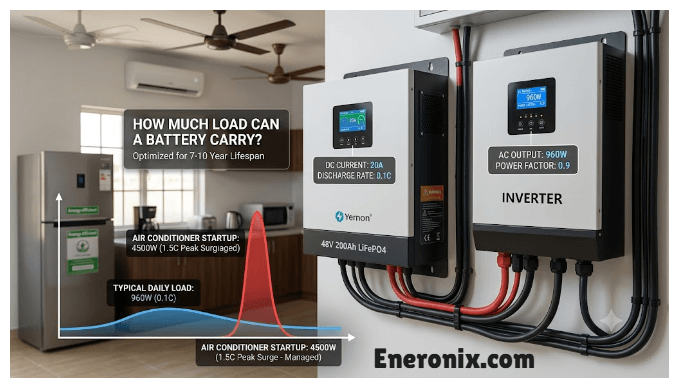
Running a 1.5HP air conditioner from a fully charged 48V 200Ah LiFePO4 is straightforward. Running the same AC from 20% SoC is asking the battery to deliver 25 to 30A continuously from a depleted state. The BMS thermal protection and current limits may actually reduce available current at very low SoC to protect the cells, meaning your AC may run with degraded performance or cycle off more frequently than usual.
This is another reason to cut high-current loads first when the battery is low. It is not just about Wh arithmetic. It is about protecting the battery’s ability to deliver clean power in its depleted state. Our article on BMS protection explained covers the current limiting behaviour in detail.
Lead-Acid at 20% SoC: You Are Already in the Damage Zone
For anyone on a lead-acid system, 20% state of charge is below the recommended 50% depth of discharge limit. Every hour you run your system below 50% SoC on a lead-acid battery is measurably shortening its cycle life. A tubular lead-acid battery rated for 1,200 cycles at 50% DoD may only deliver 400 cycles if regularly discharged to 20% SoC. Battery University’s research on lead-acid cycle life vs depth of discharge shows the exponential relationship between discharge depth and cycle life degradation, confirming that operating below the 50% DoD threshold consistently is one of the fastest ways to destroy a lead-acid bank.
This is one of the core reasons Nigerian homes that upgraded from lead-acid to lithium report dramatically longer backup times, not just because of the energy difference between 12V and 48V systems, but because they are now using a battery that can safely operate to 20% without damage. Our comparison of lithium vs tubular battery in Nigeria goes deeper on the cycle life economics.
The Eneronix Load Shedding Strategy: A Ranked Priority System
This is the system to use any time your battery drops below 30%, not just at 20%. If you apply it consistently, you will almost never wake up to a dead battery again.
The strategy is built on one principle: keep loads that matter, cut loads that can wait, and never let comfort loads drain the battery that security and communication loads need.
| Priority Tier | Loads in This Tier | Action at 30% | Action at 20% | Action at 10% |
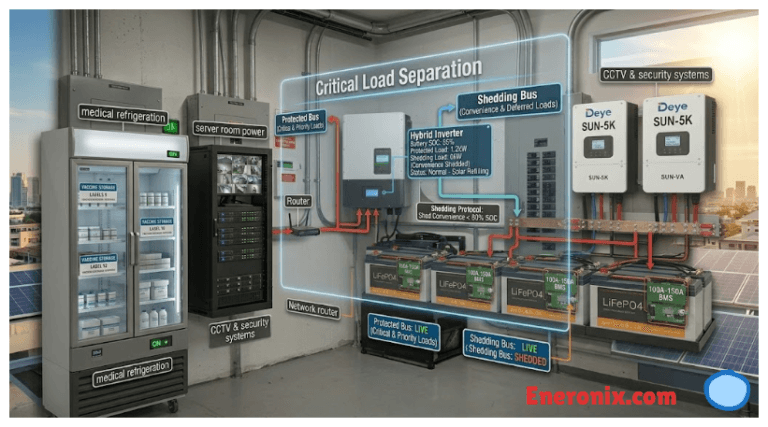
| Tier 1: Non-negotiable | Medical devices, security lights, 1 phone charging | Keep on | Keep on | Keep on until BMS cuts off |
| Tier 2: Essential comfort | 1 fan, LED lights in occupied rooms, WiFi router | Keep on | Keep on | Reduce to 1 light + 1 fan only |
| Tier 3: Useful but cuttable | TV + decoder, laptop, second fan, fridge (if food allows) | Keep on | Cut TV + decoder, keep fridge | Cut everything except Tier 1 |
| Tier 4: High-draw luxuries | Air conditioner, water heater, iron, microwave | Cut AC if present | Cut all of these | These should already be off |
Print this table and keep it near your inverter panel. Better yet, show it to everyone in the house who might be home during a late-night outage. The battery does not discriminate between who switched on the air conditioner. It just drains.
What Most Installers Do Not Tell You About Low Battery Management
Most inverter installers in Nigeria set up the hardware correctly, connect the batteries, configure a few settings, and leave. What they rarely explain is the operating discipline that makes the difference between a system that lasts 5 years and one that needs new batteries in 18 months.
Your BMS Protects the Battery, Not Your Loads
When your battery hits the BMS low-voltage cutoff threshold, the entire system shuts off instantly. There is no warning, no graceful shutdown. Your TV turns off mid-sentence, your router drops the connection, your phone stops charging, and everything in the fridge starts warming up at once.
The BMS is not doing this to punish you. It is doing it to save the battery from a condition called over-discharge, where cell voltage drops below a safe minimum and causes irreversible capacity loss. If you get ahead of the BMS by managing load manually at 20%, you avoid the hard cutoff entirely and the battery lasts longer.
Understanding how your BMS works and what thresholds it uses is genuinely useful knowledge. Our guide on why lithium batteries need a BMS explains the protection logic in plain terms.
The Inverter’s Low Battery Warning Is Not the Same as the BMS Cutoff
Most hybrid and off-grid inverters have a configurable low battery alarm that beeps or flashes when voltage drops below a set threshold. This is typically configured at 10 to 15% above the BMS hard cutoff. When your inverter starts beeping, you still have time to act. When the BMS cuts off, that time is already gone.
Configure your inverter’s low battery alarm to trigger at 25 to 30% SoC. This gives you a reliable warning with enough time to shed load and make the battery last longer. Victron Energy’s battery management documentation recommends configuring low battery alarms at least 5 to 10% above the BMS protection threshold for exactly this reason. Our guide on hybrid solar system commissioning checklist covers the correct alarm and cutoff settings for common Nigerian inverter brands.
The Morning After: Recharge Correctly
If you ran the battery to 20% overnight, the next morning matters. Do not just switch on solar and forget about it. Check that your MPPT charge controller is pushing maximum current during peak sun hours (10 AM to 2 PM in Nigeria). A 48V 200Ah battery at 20% SoC needs to recover roughly 6,400 to 7,200 Wh from the previous night’s drain.
Nigeria sits between 4 and 7 degrees North latitude and receives an average of 5.5 peak sun hours daily according to NREL’s Global Solar Atlas irradiance data for West Africa. At 1,500W of solar in good irradiance, that is a 4.5 to 5 hour recovery window. If you have a generator available, run it in the morning rather than the evening to recover the battery bank before the next NEPA outage hits.
For the complete guide on how your solar array recharges your battery, see our article on solar array sizing for off-grid systems.
When 20% Is Not the Same 20%
Not all 20% readings mean the same thing. Here are four situations where the standard advice needs adjusting.
After a Long Outage (Battery Has Been Discharging Slowly for Hours)
A battery that has been slowly discharging at 300W for 8 hours before hitting 20% is in a different state from one that hit 20% quickly under a 2,000W load. Slow discharge means the battery has had time to settle to its true open-circuit voltage. The 20% reading is likely accurate.
Rapid discharge to 20% under a high load can cause the inverter to read low voltage as low state of charge even when some energy remains. Rest the battery for 10 minutes under light load and the reading often recovers to 25 to 28%. This is voltage rebound, and it means you have a little more than the display suggested.
During Harmattan (Cold Nights, Reduced Battery Performance)
In northern Nigeria and during harmattan season across the country, nighttime temperatures can drop to 15 to 20 degrees Celsius. Lead-acid batteries lose 10 to 15% of rated capacity at 20 degrees Celsius compared to 25 degrees Celsius. LiFePO4 batteries are more resilient but still experience a 3 to 5% capacity reduction at these temperatures.
During harmattan, add a 10% buffer to your load shedding. Start cutting loads at 30% SoC instead of 20%, because the battery is delivering slightly less capacity than the display suggests.
Old or Degraded Battery
A battery that is 2 to 3 years old and has been through hundreds of cycles may only have 75 to 85% of its original capacity. When that battery reads 20%, the actual remaining energy is 20% of a smaller total. A 200Ah battery at 80% state of health has roughly 160Ah of real capacity. Twenty percent of that is 32Ah, not 40Ah.
If your battery feels like it disappears faster than it used to, state of health degradation is the likely cause. Our article on how charge and discharge cycles affect lithium battery lifespan explains when to expect this and what you can do about it.
Multiple Batteries in Parallel
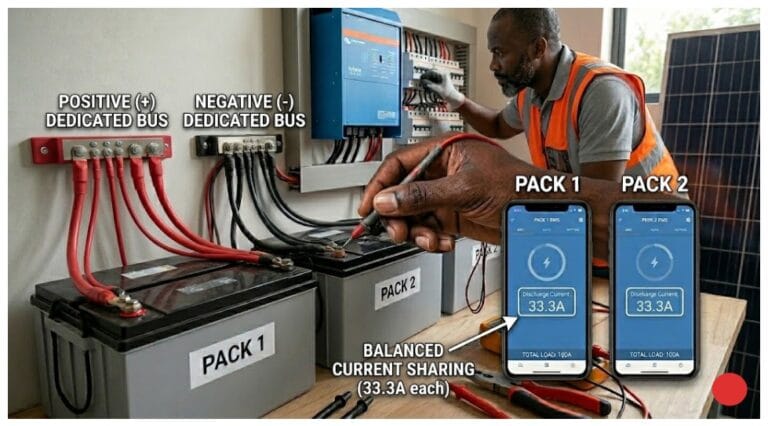
If you have two or more batteries in parallel and one is older or degraded, the display may show a blended average SoC that does not accurately represent the weakest battery in the bank. The weaker battery may be at 15% SoC while the display shows 22%. When the weaker battery’s BMS trips, the whole bank drops suddenly.
In parallel battery systems, monitoring individual battery state of charge via the BMS app gives you far more accurate data than relying on the inverter display alone. Our article on why parallel batteries fail covers this in detail.
Frequently Asked Questions
How long will a 20% battery last with just lights and fans?
On a 48V 200Ah LiFePO4, 20% state of charge gives you roughly 864 Wh of usable energy at the appliance level. Running 4 LED lights (40W) and one standing fan (65W), a total of 105W, gives you approximately 8.2 hours. Running 5 lights and 2 fans (170W total) gives you about 5.1 hours. The lower the wattage, the longer it lasts. This is the reason LED lighting is not just an energy-saving suggestion. It is directly proportional to how long your battery survives a low-SoC night.
Can I run my fridge on 20% battery?
It depends on your battery system and how long the outage will last. A 48V 200Ah LiFePO4 at 20% can run a 100W average fridge for about 8.6 hours on its own. Combined with lights and a fan at 350W total, you get roughly 2.5 hours. If NEPA typically returns by morning and you are at 20% at midnight, the fridge alone is manageable. If the outage is likely to extend past 6 AM, consider switching the fridge off and keeping it closed.
Why does my battery drop from 20% to 0% so fast?
Three reasons cause this more than any other. First, the BMS cutoff is set higher than expected, for example at 20% instead of 10%, so the battery shuts off as soon as it reaches the threshold you see on the display. Second, the battery has degraded and the last 20% of its current capacity is a much smaller energy quantity than it used to be. Third, you are running a high-wattage load during the low-SoC window, which combined with voltage sag makes the battery drain faster than the linear rate suggests. Our article on why your battery dies faster than expected covers all three causes with diagnostic steps.
Should I let my battery go to 0% or cut off at 20%?
Never let a lead-acid battery go below 50% intentionally. It accelerates electrode sulfation and shortens cycle life significantly. For LiFePO4, the BMS cutoff at 10 to 15% SoC is the hard floor. Operating in the 20 to 30% range occasionally is fine for LiFePO4 and will not cause permanent damage. What shortens lithium battery life is repeated full cycles from 100% to 0%, not occasional low-SoC operation. The ideal daily use window for maximum cycle life is 20% to 80%. See our guide on the 80/20 rule for lithium batteries.
My inverter is beeping at 20% battery. What should I do?
That beep is your warning with time to act. Do the following in order: switch off the air conditioner if it is running, switch off the water heater and electric iron, switch off the TV and decoder in empty rooms, switch off fans in unoccupied rooms, and confirm your phone is charging. Then check whether solar charging is available. If it is daytime and your panels are not producing, something may be wrong with your charge controller. Check our guide on why your solar panel is not charging your battery. If it is night, you are running on stored energy only. Manage your load as described in this article and wait for morning.
Does switching off appliances actually help or does the battery just drain anyway?
It absolutely helps. Battery drain is directly proportional to load. Cut your load in half and your remaining runtime doubles. This is not approximate, it is arithmetic. A battery does not drain at a fixed rate regardless of what you plug in. Every watt you remove from the circuit is a watt that stays in the battery. The numbers in the table above show exactly how dramatic the difference is: the same 20% battery at 100W lasts 8.6 hours. At 1,500W it lasts 35 minutes.
How do I stop this from happening regularly?
The root cause is either an undersized battery bank for your load, or load discipline that lets high-wattage appliances run unmanaged through the night. Three solutions work in combination: size your battery correctly for your daily load, configure your inverter’s low battery alarm at 30% so you get earlier warning, and establish load priorities in your home so everyone knows what to switch off when the battery gets low. For battery sizing guidance, see our 48V lithium battery sizing guide. For load audit guidance, see our off-grid system load audit guide.
The Bottom Line
Twenty percent is not the end. It is a crossroads. On the right path, it is 4 to 8 hours of comfortable lighting and a fan. On the wrong path, it is 35 minutes before everything goes dark.
The difference is load discipline. Switch off the air conditioner, the water heater, and the TV. Keep the lights, one fan, and phone charging. That single set of decisions changes a desperate situation into a manageable overnight. Your battery does not need to be bigger to survive the night. It just needs you to stop asking it to do everything at once.
And the next morning, after NEPA returns or solar kicks in, take 10 minutes to do a proper load audit so you know exactly how many watts your household needs at night. Then match your battery bank to that number. Our complete off-grid system design checklist makes that process straightforward.

I am Engr. Ubokobong Ekpenyong, a solar specialist and lithium battery systems engineer with over five years of hands-on experience designing, assembling, and commissioning off-grid solar and energy storage systems. My work focuses on lithium battery pack architecture, BMS configuration, and system reliability in off-grid and high-demand environments.