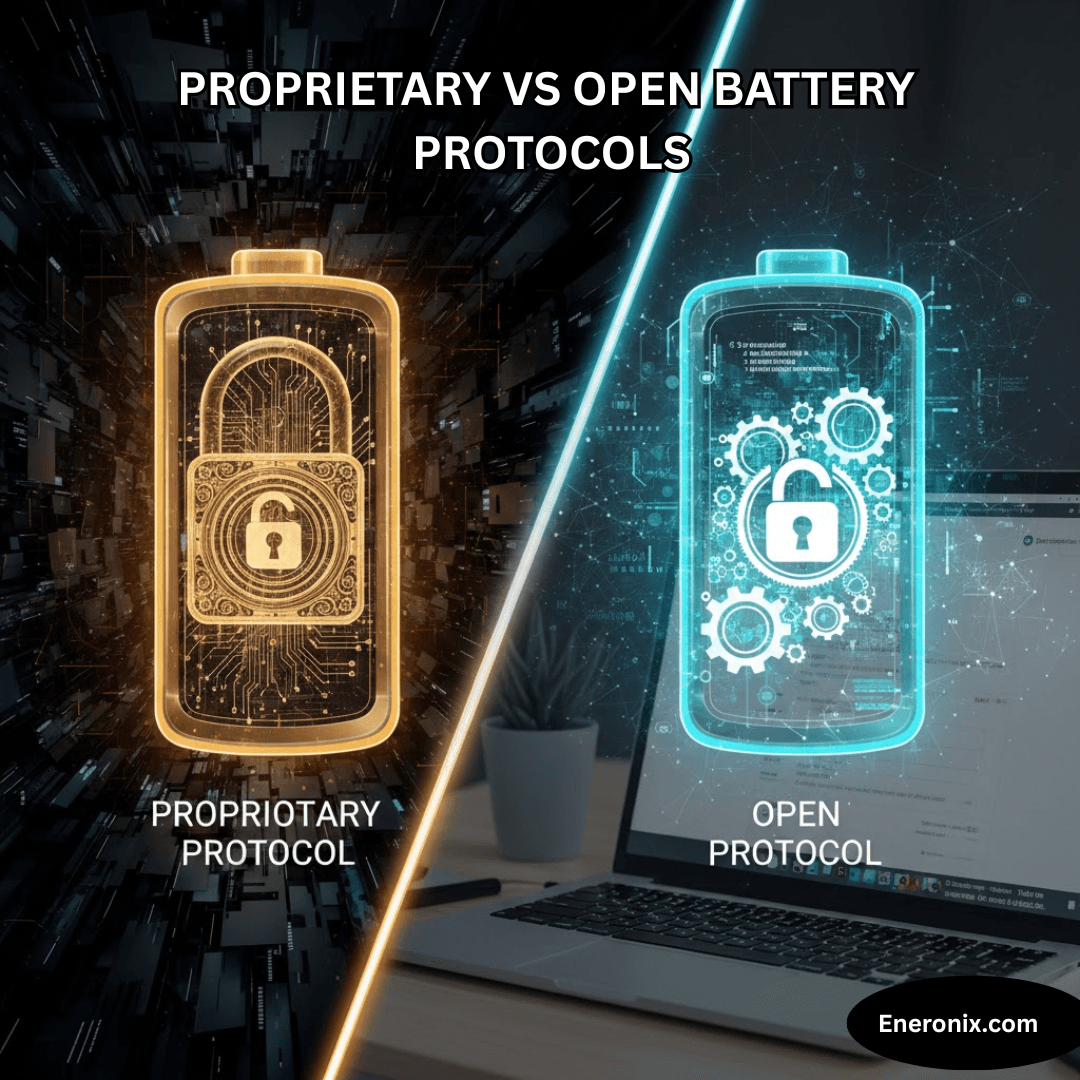
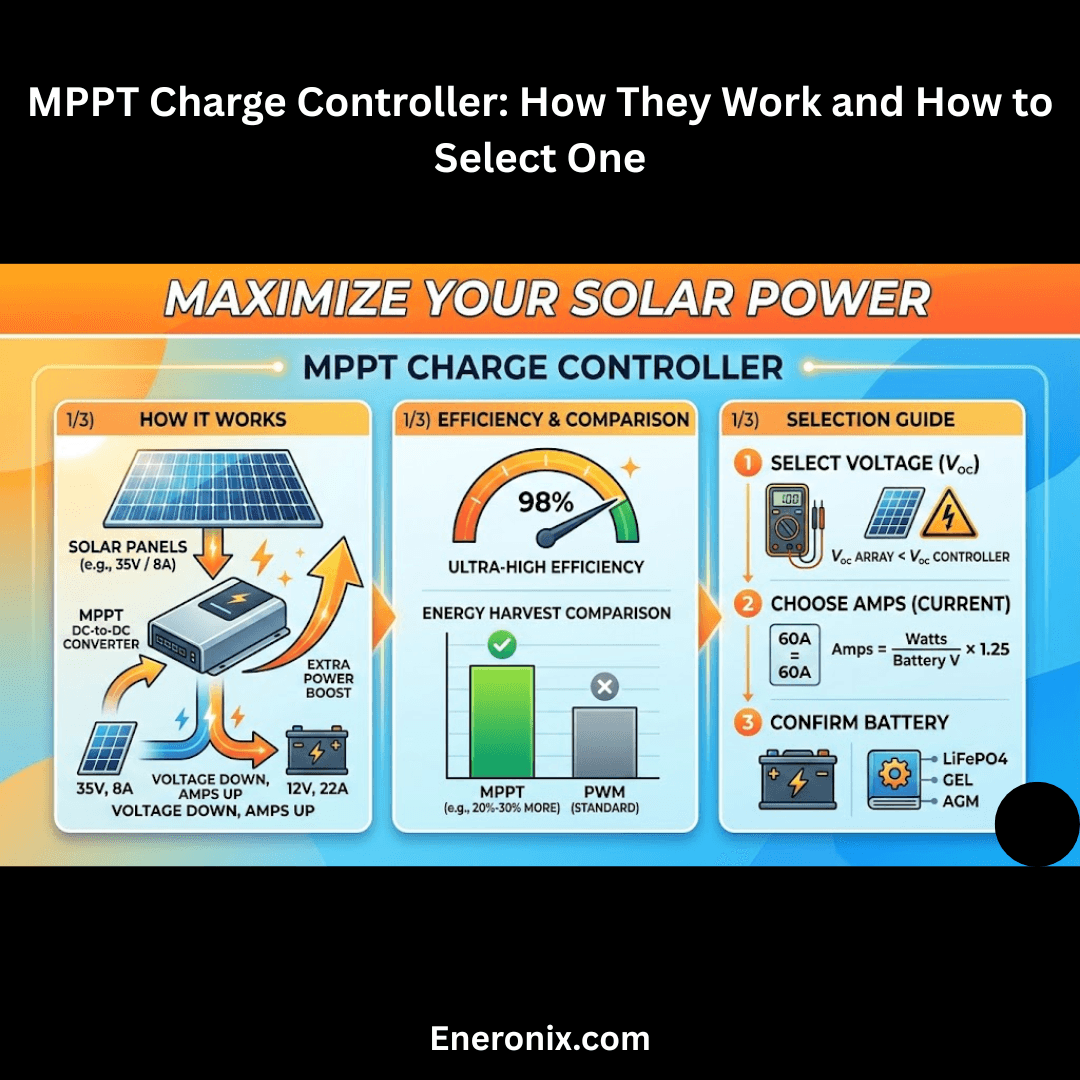
Most integration failures aren’t caused by faulty equipment — they’re caused by mismatched communication protocols, wrong voltage setpoints, and missing BMS handshakes that nobody warned the installer about. Select your inverter and battery, check all available protocols, and get a full compatibility report with risk warnings and pre-configured settings.
How to use this checker
Step 01
Select your inverter
Choose inverter brand and model series. If your exact model isn’t listed, pick the closest series — compatibility rules are series-level in most cases.
Step 02
Select your battery
Choose battery brand, model, and chemistry type. Then check every communication protocol your battery’s BMS physically supports.
Step 03
Read your report
Get a compatibility verdict, all integration risks ranked by severity, a pre-configured voltage settings table, and a pre-installation checklist.
?Check every protocol your battery’s BMS physically supports. Lead-acid batteries have no BMS communication — leave all unchecked.
—
—
—
—
⚠ Integration Risks
⬡ Protocol Compatibility
⚙ Recommended Voltage Settings
✓ Pre-Installation Checklist
⚠ Compatibility data is based on published manufacturer documentation and known integration patterns. Always verify against your specific firmware version and battery BMS revision. This tool does not replace reading the installation manuals for both devices.
Understanding the compatibility results
Inverter–battery compatibility is not binary. A battery can physically connect to an inverter and appear to work while silently operating outside safe parameters — until a shutdown event reveals the problem.
Compatible
The inverter and battery communicate properly, share state-of-charge data, and honour BMS protection signals. Charging and discharging are managed automatically with no manual setpoint tuning required.
Conditionally Compatible
The pair will work, but requires correct manual configuration of voltage setpoints, charge current limits, or protocol selection in the inverter menu. Skipping this step is how most integration failures happen.
Incompatible
Known protocol mismatch, voltage range mismatch, or BMS protection signals the inverter cannot interpret. Operating this combination risks overcharge, deep discharge, or unprotected shutdown that damages the battery.
Unknown
Insufficient data to confirm compatibility. Typically means a generic or unbranded component where protocol behaviour is undocumented. Manual verification against both spec sheets is essential before commissioning.
Why BMS communication matters more than voltage matching
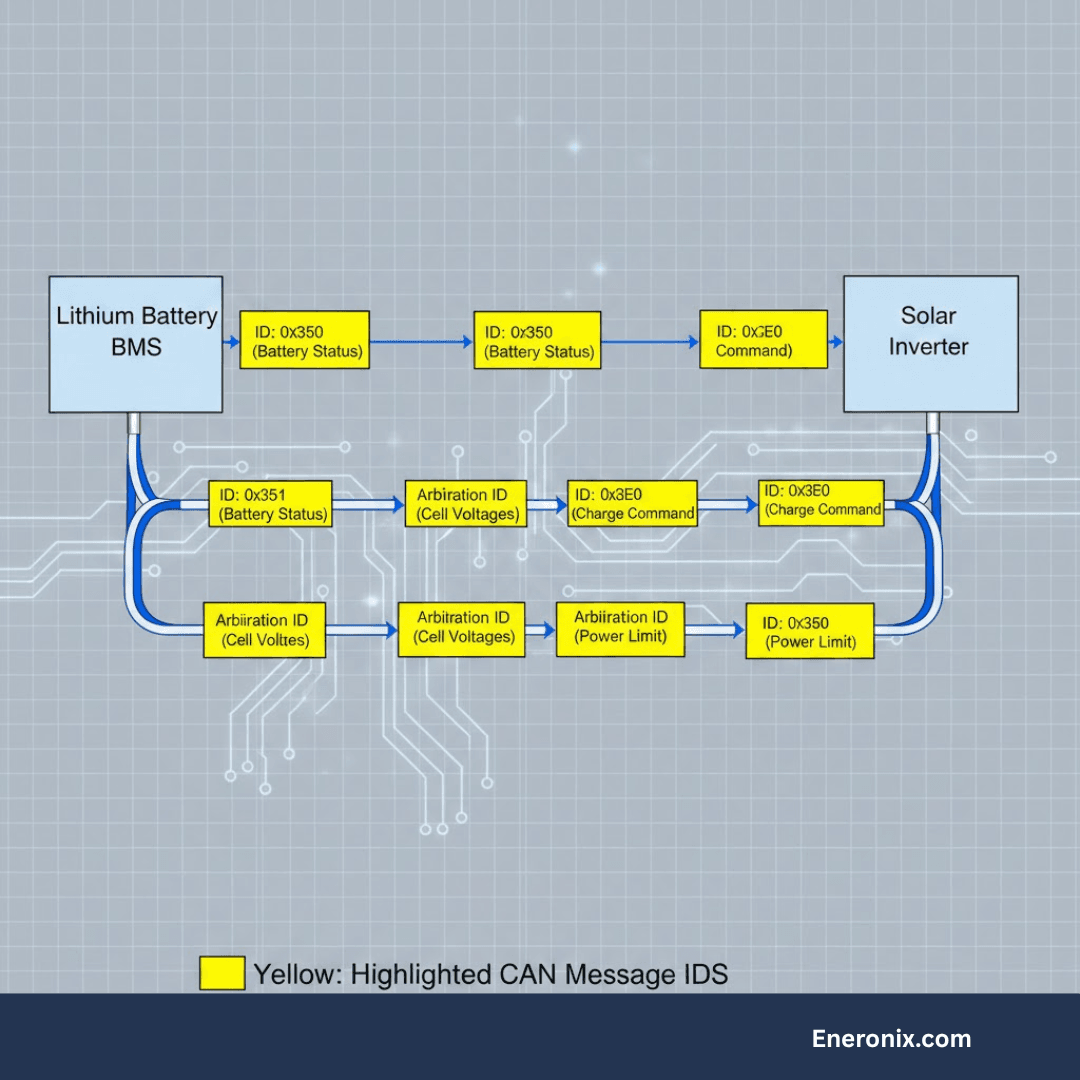
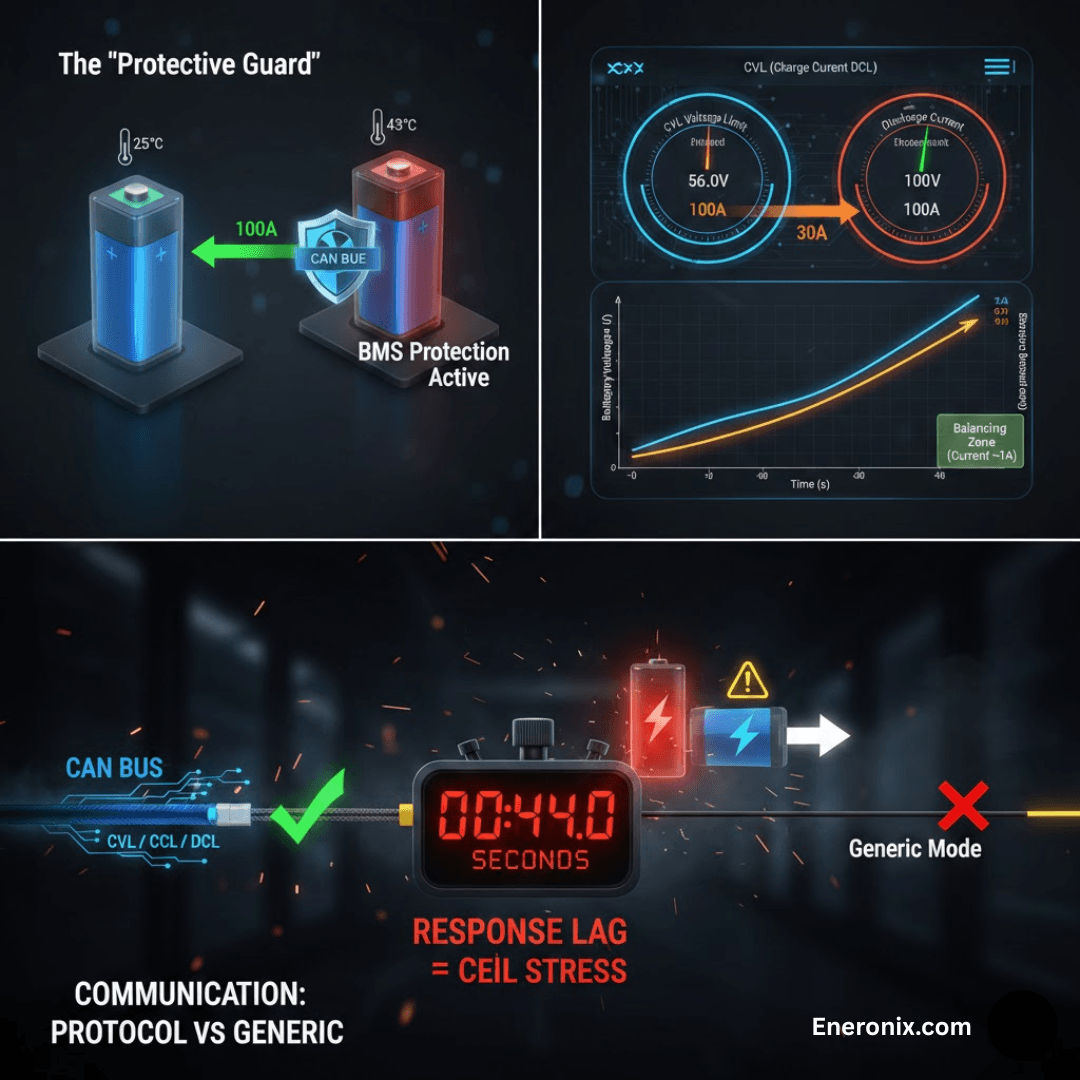
Without BMS communication, the inverter has no way to know the battery has issued a protection command — it will keep trying to charge or discharge, stressing cells that are already at their limit. With a working CAN or RS485 link, the BMS sends real-time data: cell voltages, temperatures, SOC, maximum charge current, and shutdown requests. This is the difference between a battery that lasts 10 years and one that fails in 3.
Communication protocol guide
CAN Bus
The gold standard for battery-inverter communication. CAN transmits a full battery status frame multiple times per second: individual cell voltages, pack temperature, current limits, SOC, and BMS fault codes. Supported by Victron (VE.Can), Deye, Growatt, Sunsynk, and most quality LiFePO4 batteries including Pylontech US series. If both devices support CAN, always use it.
RS485 / Modbus RTU
Extensively used in the Nigerian and West African market. Pylontech uses a proprietary RS485 protocol that Deye, Growatt, and Sunsynk inverters understand natively. RS485 is slower than CAN but entirely adequate for most residential and commercial systems.
No communication (lead-acid or dumb lithium)
Lead-acid batteries have no BMS and no communication port — the inverter manages them purely by voltage. This is safe for lead-acid because cells have a well-understood voltage-SOC relationship. Running a lithium battery with no BMS communication is a different matter entirely — lithium cells require active protection that voltage alone cannot provide. If your LiFePO4 battery has a BMS port and your inverter supports it, the cable must be connected.
Contains information related to marketing campaigns of the user. These are shared with Google AdWords / Google Ads when the Google Ads and Google Analytics accounts are linked together.
90 days
__utma
ID used to identify users and sessions
2 years after last activity
__utmt
Used to monitor number of Google Analytics server requests
10 minutes
__utmb
Used to distinguish new sessions and visits. This cookie is set when the GA.js javascript library is loaded and there is no existing __utmb cookie. The cookie is updated every time data is sent to the Google Analytics server.
30 minutes after last activity
__utmc
Used only with old Urchin versions of Google Analytics and not with GA.js. Was used to distinguish between new sessions and visits at the end of a session.
End of session (browser)
__utmz
Contains information about the traffic source or campaign that directed user to the website. The cookie is set when the GA.js javascript is loaded and updated when data is sent to the Google Anaytics server
6 months after last activity
__utmv
Contains custom information set by the web developer via the _setCustomVar method in Google Analytics. This cookie is updated every time new data is sent to the Google Analytics server.
2 years after last activity
__utmx
Used to determine whether a user is included in an A / B or Multivariate test.
18 months
_ga
ID used to identify users
2 years
_gali
Used by Google Analytics to determine which links on a page are being clicked
30 seconds
_ga_
ID used to identify users
2 years
_gid
ID used to identify users for 24 hours after last activity
24 hours
_gat
Used to monitor number of Google Analytics server requests when using Google Tag Manager
1 minute
You can find more information in our Cookie Policy and .